AI Photo Prompts for Gemini and ChatGPT
169 copy-paste prompts in 10 BestAI guides, each with a Copy button. Photo prompts keep your face unchanged and are written for Indian festivals and trends; study prompts help with UPSC, NEET and CA preparation. Every guide explains how to use the prompts in the Gemini and ChatGPT apps.
Photo, festival and trend prompts
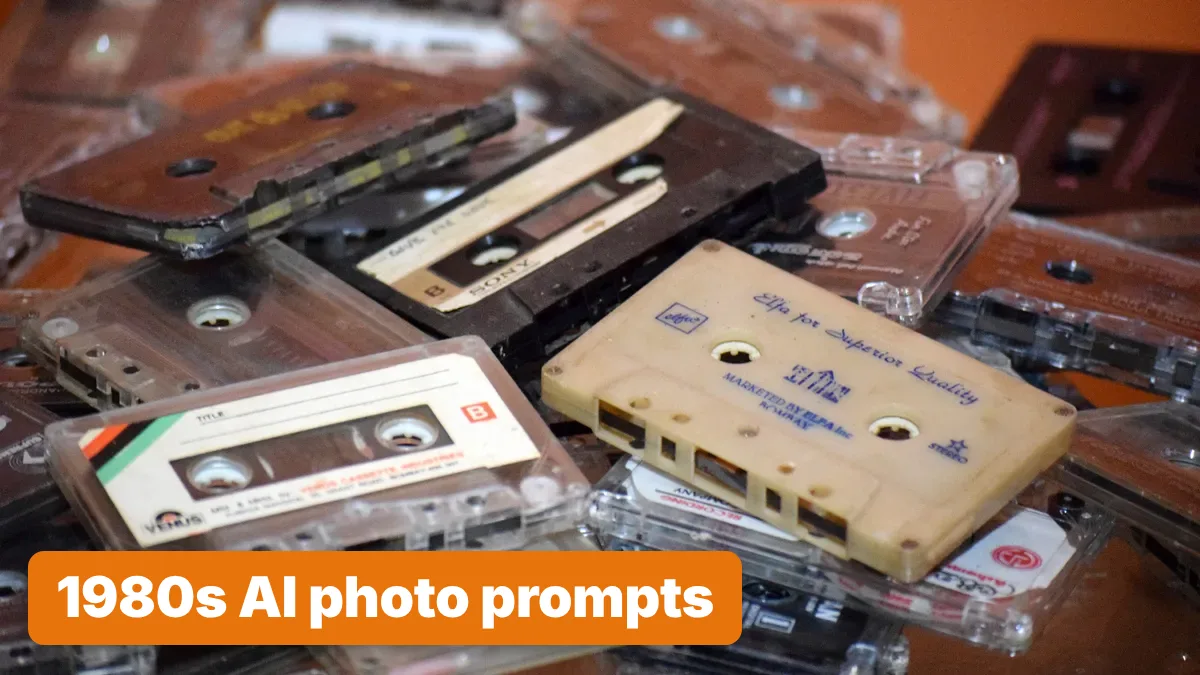
24 copy-paste prompts
1980s Photo Prompt: 24 ChatGPT and Gemini Ideas for India
A 1980s photo prompt works when it describes the camera, film and setting, not a vintage filter. Our 24 prompts for ChatGPT and Gemini cover Indian 80s looks, from painted studio backdrops to Doordarshan and wedding albums, and each keeps your face unchanged. Gemini editing needs you to be 18+.
Updated November 21, 2026
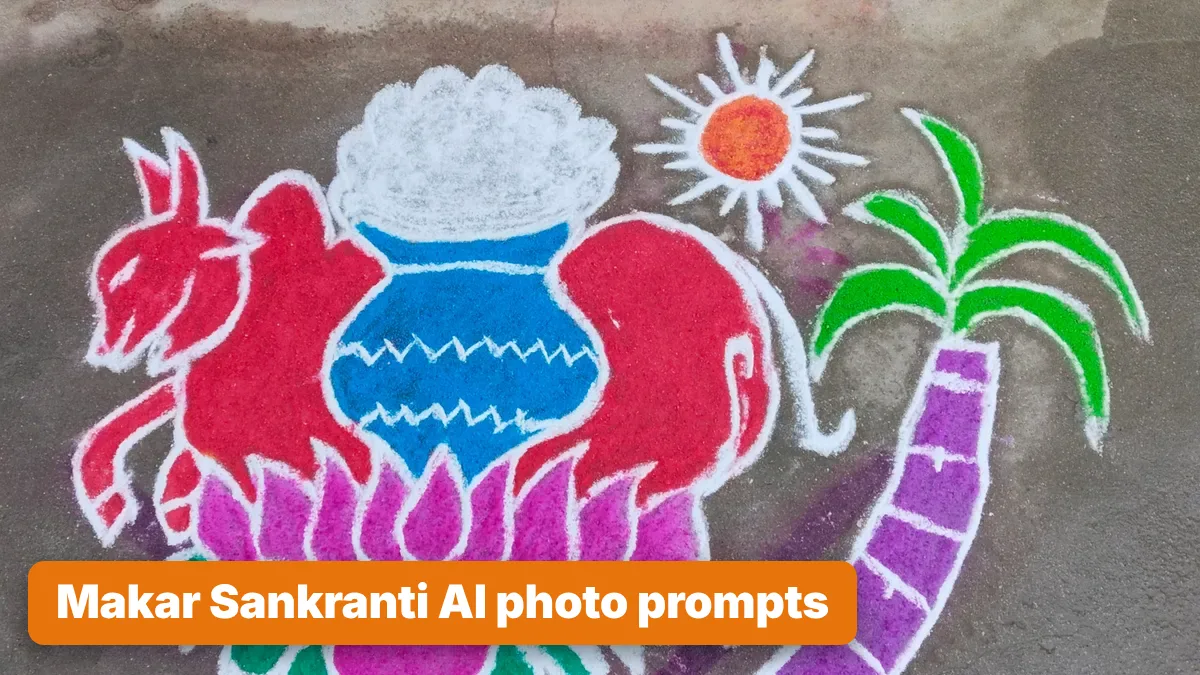
23 copy-paste prompts
Makar Sankranti Photo Prompt: 22 Gemini Ideas by Region
Each Makar Sankranti photo prompt here puts you in your own region's festival in Gemini or ChatGPT: a kite on an Ahmedabad terrace, a Pongal pot boiling over, Maharashtra's black clothes and sugar jewellery. All 22 keep your face unchanged. Sankranti 2027 is on 14 or 15 January, by calendar.
Updated November 20, 2026
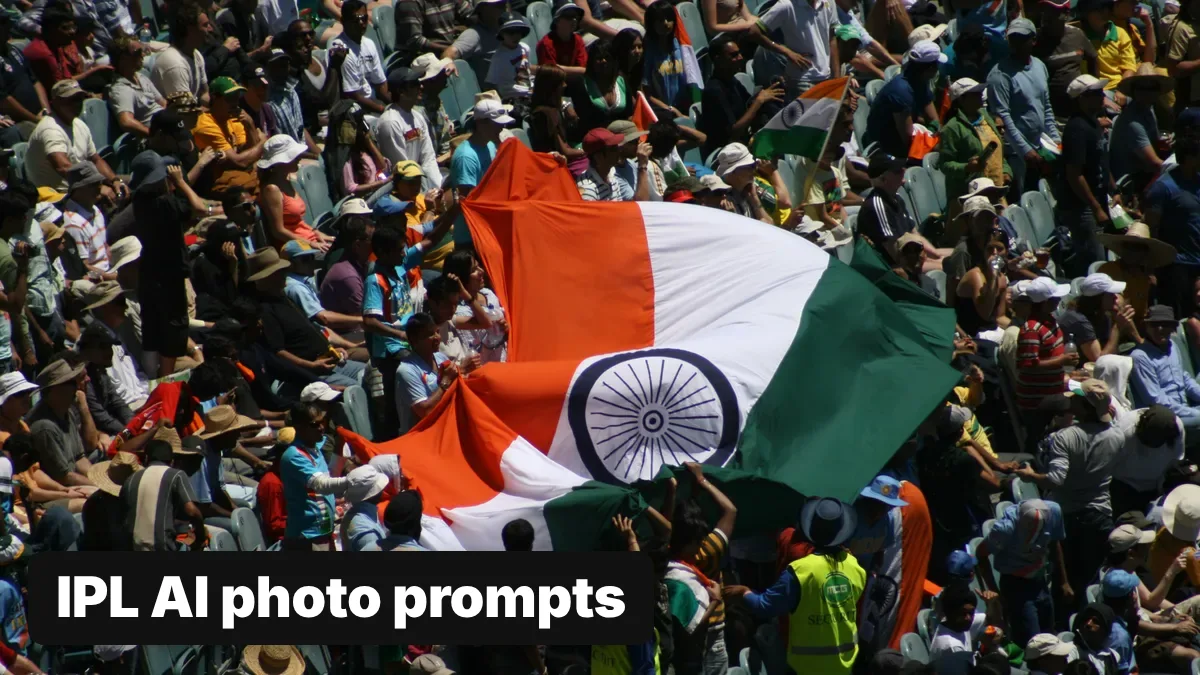
21 copy-paste prompts
IPL AI Photo Prompt: 21 Cricket Edits That Keep Your Face
A good IPL AI photo prompt puts you in a stadium or a jersey in your team's colours, not its logo, and tells Gemini or ChatGPT to keep your face unchanged. Both apps edit uploaded photos on free plans; Gemini needs you to be 18 or over. Every result carries hidden AI marks you can check.
Updated November 18, 2026
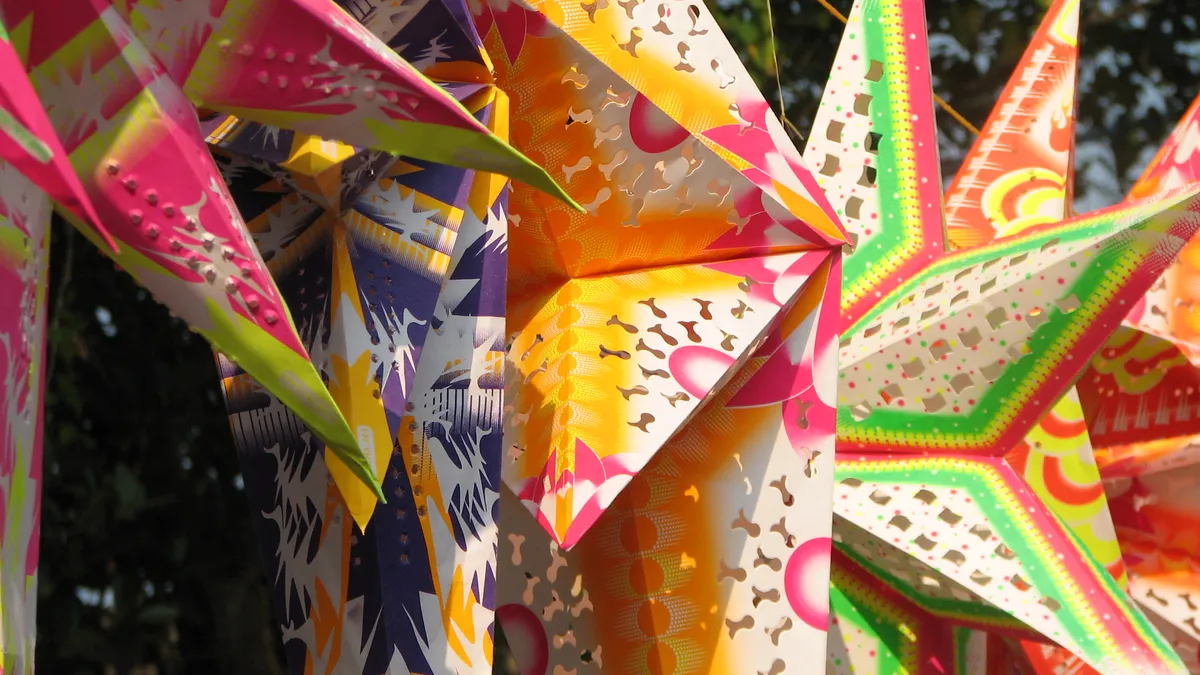
12 copy-paste prompts
Christmas Photo Prompts for Gemini: 12 AI Ideas for India
The best Christmas photo prompts for Gemini describe one Indian scene, such as a Kerala star at night or Park Street's lights, and tell it to keep your face. You must be 18 or over to edit photos. Expect a visible watermark in India and check any lettering before you post.
Updated November 7, 2026

13 copy-paste prompts
New Year Prompt for Gemini: 12 AI Photo Ideas for 2027
A good New Year prompt for Gemini describes one complete scene, then tells it to keep your face. Upload a clear photo in the Gemini app (you must be 18 or over), paste a prompt below and expect a visible watermark in India. Check any "2027" lettering before you post.
Updated November 7, 2026
13 copy-paste prompts
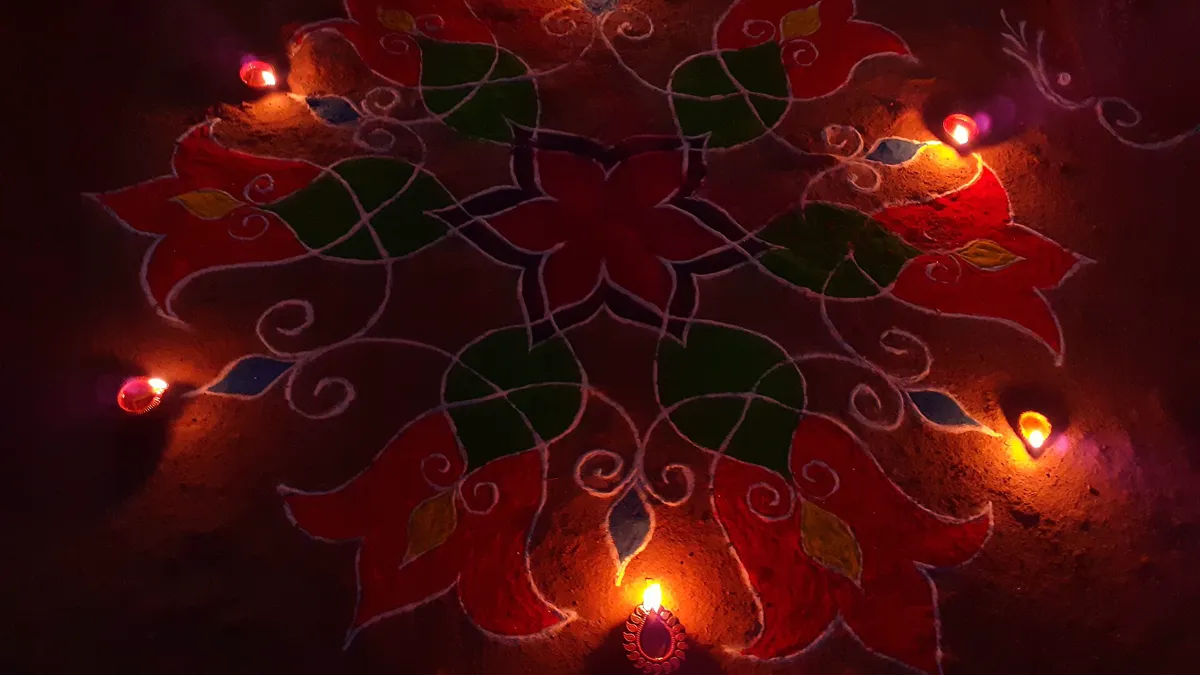
AI Diwali Photo Prompt: 12 Gemini Prompts That Keep Your Face
A good AI Diwali photo prompt describes the whole scene and tells Gemini to keep your face exactly as it is. Upload your photo in the Gemini app (photo editing needs age 18+), paste a prompt below, and expect Google's visible watermark on images made in India. Diwali is on 8 November 2026.
Updated October 31, 2026
14 copy-paste prompts
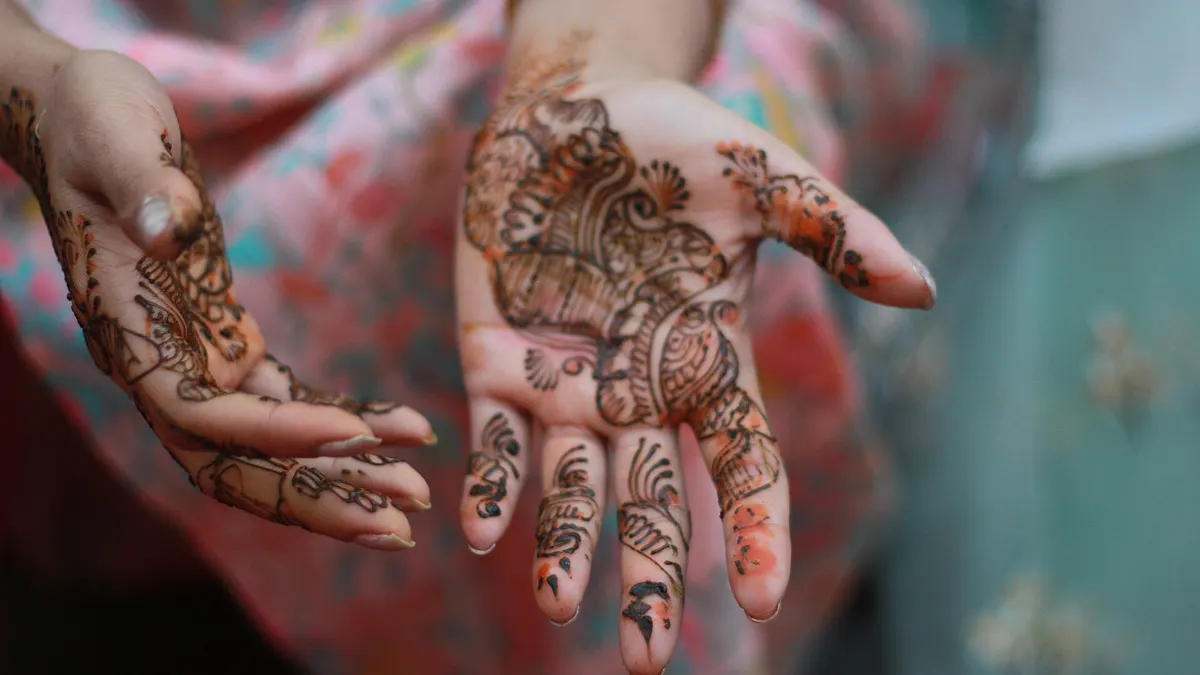
AI Wedding Photo Prompt: 12 Ideas for Gemini and Invites
A good AI wedding photo prompt describes one function, haldi, mehendi, sangeet or the pre-wedding shoot, and tells Gemini to keep faces unchanged. For printed cards, a free 1K Gemini image is sharp only up to about 2.8 x 4.2 inches, so finish invites in Canva or Adobe Express.
Updated October 31, 2026
Study and work prompts

17 copy-paste prompts
AI for CA Students: 17 Prompts and ICAI's CA GPT Shutdown
ICAI's free CA GPT for students stops working on 11 December 2026, its AI portal says. After that, AI for CA students means ChatGPT, Gemini or NotebookLM used as a tutor on ICAI's own study material. Never trust AI on tax: January 2027 Inter papers follow the 1961 Act, May 2027 papers the 2025 Act.
Updated November 18, 2026
15 copy-paste prompts
Best AI for NEET Preparation: Free Tools, Steps and Prompts
The best AI for NEET preparation costs nothing: Gemini's full-length NEET mock tests (type "I want to take a NEET mock exam"), NTA's Abhyas AI app for mocks in Hindi or English, and NotebookLM for NCERT Biology line by line. NTA has not announced NEET UG 2027 dates as of 18 November 2026.
Updated November 18, 2026
17 copy-paste prompts
How to Use AI for UPSC: Prelims to Interview, With Prompts
To use AI for UPSC, make it your quiz-master and critic, never your source of facts: free ChatGPT or Gemini turn NCERT notes into MCQs and critique your handwritten Mains answers, and NotebookLM summarises only the PIB and newspaper pages you upload. CSE Prelims 2027 is set for 23 May 2027.
Updated November 18, 2026
How to use these prompts
- Open a guide and tap Copy prompt on the one you want.
- In the Gemini or ChatGPT app, upload a clear, well-lit photo of the person (a single face works best), paste the prompt and send.
- If the face changes, ask again with “keep the face exactly as in the photo”, or try a sharper, front-facing photo.
- Images made by Gemini and ChatGPT carry hidden AI marks; our guide on spotting AI-generated images explains them.