Instagram Reels AI Tools: What Each Step Needs, With India Prices
The best Instagram Reels AI tools are one per step: a writer for the script, ElevenLabs or Murf for the voice, Canva (Pro ₹4,000 a year) or CapCut for the video, Opus Clip (free, then $15 a month) for clipping, a scheduler to post. A realistic AI voice needs a label. Prices from India, 10 Nov 2026.

Nobody sells an "Instagram Reels AI tool", because a reel is five jobs: a script, a voice, a video, captions, and a post. The apps that claim to do all five do one well and the rest badly, which is why the feeds full of them look alike. This list takes the five jobs in order, names the tool with the best free tier or the clearest Indian price for each, and flags the one choice that changes your legal position: a realistic AI voice.
Prices below were read from each vendor's pricing page on 10 November 2026, from an Indian connection. Where a page shows dollars, that is what Indians pay.
1. Script: an AI writer, then you
The hook is the job, and it comes from knowing your audience, not from a model. Use ChatGPT or Gemini on their free tiers to draft three versions of a 60-second script from one line of brief ("a reel about the ₹399 ChatGPT Go renewal for students in Pune"), then rewrite the first sentence yourself and check every number. Both free tiers are enough for scripts; neither needs a paid plan for this.
A script written for voice has short sentences, numbers as words where they'd be misread, and names spelt phonetically for the voice tool. That last habit saves most retakes in step 2.
2. AI voice for Instagram Reels
This is the step people search for as "instagram reel voice ai", and the one with a rule attached. Meta's help page lists "A reel narrated with a realistic AI-generated voiceover" among content that requires an AI label, and says "There may be penalties for content shared without a label when it is required." India's IT Rules have required labels on realistic synthetic audio since 20 February 2026. Tick the box, and the reel is fine; our Instagram AI label guide has the detail.
| Tool | Free tier | Paid from | Hindi and Indian voices |
|---|---|---|---|
| ElevenLabs | 10,000 credits a month, about 10 minutes, non-commercial only | Starter $6 a month ($1 the first month), commercial licence, 30,000 credits | Hindi on every model; Marathi, Telugu, Bengali, Gujarati, Kannada, Malayalam, Tamil on v3 and v4 |
| Murf | 10 minutes, no downloads, no commercial rights | Creator $19 a month billed as $228 a year, 24 hours of voice, commercial rights | Hindi (Shweta, Shaan, Rahul, Neel), Indian English (Surya, Shivani, Rohan, Priya), Tamil (Senthil) |
Meta's own AI voice translation. Since 9 October 2025 Instagram and Facebook can dub a reel between Hindi and English (Spanish and Portuguese too) in the creator's own voice, with optional lip sync, and show viewers a "Translated with Meta AI" badge. Meta's announcement says it is "free, and is accessible to Facebook creators with 1,000 followers or more and to all public Instagram accounts in countries where Meta AI is available." It translates a reel you recorded in your own voice; it does not generate a voiceover from text, which is what the two tools above do.
A monetised account or a client's reel is commercial use, so for Instagram work the free tiers are for auditioning voices and the entry price is $6 or $228 a year. Which sounds better in Hindi is a judgement to make with your own script; our Hindi AI voice generator guide compares the two with Sarvam, and ElevenLabs vs Murf goes criterion by criterion.
3. Build the video: Canva or CapCut
Two ways to turn a voice track into a 9:16 video without an editor's hours.
Templates, with rupee prices. Canva is one of the few tools on this list that prices in rupees from India: Free at ₹0, Pro Lite at ₹1,590 a year and Pro at ₹4,000 a year for one person, with "Daily and weekly plan options" on Pro. Reel templates, stock clips, auto-captions and the AI features sit on Pro. For a business posting offers and announcements, this is the lowest-friction route.
A phone editor. CapCut is the editor most Indian reel creators already have on their phones, with auto-captions, templates and effects; CapCut's pricing page did not show prices to our Indian visit, so check the app for the current Pro price before relying on a figure. If you design posts as well as reels, Canva is a design suite that also does video, where CapCut is a video editor first.
4. Cut long recordings into reels: Opus Clip
If you record a 20-minute explainer, a podcast or a class, a clipping tool finds the segments and adds captions. Opus Clip's pricing page on 10 November 2026: Free ("Free forever", $0), Starter at $15 a month "only available in monthly" for 150 credits, Pro at $29 a month or $14.50 a month on annual billing ($174 a year, "3,600 credits over 12 months", "Unused credits roll over for 2 months"), with export to Premiere Pro and DaVinci Resolve on Pro. The alternative is editing the transcript instead, which is what Descript does.
AI tools to create Instagram Reels ads for products
The same stack makes a product reel: Canva's templates take a product photo and a voice track and output a 9:16 ad, and CapCut does it on a phone. Two things differ for ads. Meta's help page notes that "Labelling and identifying AI content is different for ads", so an AI-voiced product ad follows Meta's advertising rules rather than the organic-post label described above; and no tool makes a reel "viral": the tools that promise it sell the same templates with a different word on the box. The product, the price and the first second are what decide it.
Whether you search "ai tools to create Instagram Reels", "for making Instagram Reels" or "instagram reel generator", the answer is this list: one tool per step.
5. Captions, covers and the post
- Captions on screen come from the video tool (Canva, CapCut and Opus Clip all burn them in). Keep them; Instagram's own data on sound-off viewing is not public, but the reels that survive a muted scroll are the captioned ones.
- The cover frame matters in the profile grid; the AI thumbnail maker guide covers free options.
- Posting is the step to automate fully. Buffer's free plan connects three channels with ten queued posts each; Meta's API allows 100 published posts per account per day. The whole pipeline, with a diagram and Meta's documented limits, is in How to automate Instagram Reels.
Instagram Reels AI tools at three budgets
| Budget | Script | Voice | Video | Post |
|---|---|---|---|---|
| ₹0, non-commercial | ChatGPT or Gemini free | ElevenLabs free (10 min) | Canva Free or CapCut | Buffer free |
| Creator starting to earn | ChatGPT or Gemini free | ElevenLabs Starter $6 | Canva Pro ₹4,000 a year | Buffer free, then $5 a month per channel |
| Business, several accounts | Any | Murf Creator $228 a year (24 hours) | Canva Pro plus Opus Clip Pro $174 a year | Metricool from $20 a month |
What none of these tools supplies is the reason to watch: a real price, a real deadline, a real place. That stays your job, and it is the part worth the hour.
FAQ
Which AI tool is best for Instagram Reels?
There isn't one. Use a writer for the script, ElevenLabs or Murf for the voice, Canva or CapCut to build the video, Opus Clip to cut long recordings, and a scheduler to post.
Is there a free AI tool for Instagram Reels?
Yes, for each step: ChatGPT or Gemini for scripts, ElevenLabs's free plan for about ten minutes of voice (non-commercial), Canva Free or CapCut for the video, Opus Clip's free plan for clipping, and Buffer's free plan for posting.
Which AI voice is best for Hindi reels?
ElevenLabs offers Hindi on all its models and seven other Indian languages on v3 and v4; Murf lists named Hindi and Indian English voices. Test your own script on both free tiers before paying.
Do AI-voiced reels need a label?
Yes. Meta requires a label for a realistic AI voiceover and may penalise unlabelled content; India's IT Rules require labels on realistic synthetic audio since 20 February 2026.
Does Canva show rupee prices?
Yes. From India, Canva showed Free at ₹0, Pro Lite at ₹1,590 a year and Pro at ₹4,000 a year for one person on 10 November 2026.
Sources, read on 10 Nov 2026 from India: pricing pages of ElevenLabs, Murf, Canva, Opus Clip, Buffer and Metricool; Meta Help: identifying AI content. We have not produced reels with these tools for this article; quality judgements are left to your own test.
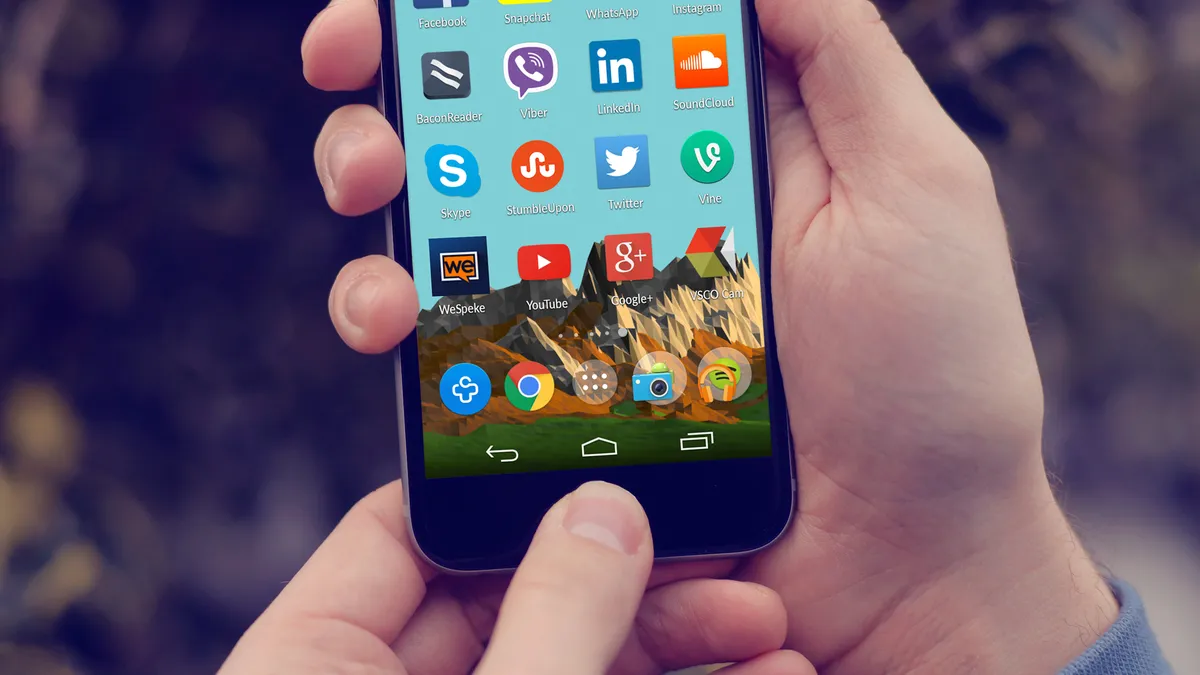
Cover image: Instagram and other social media app icons on an Android phone's home screen. mikemacmarketing, CC BY 2.0, via Wikimedia Commons.
Related tools
We may earn a commission if you buy through our links. This doesn't affect our rankings. Learn more about our affiliate disclosure.

ElevenLabs
High-quality AI text-to-speech and voice cloning platform.

Murf
AI voiceover generator for videos, presentations, and e-learning.

CapCut
Free, mobile-first video editor with AI-powered effects and captions.
Canva Magic Studio
AI design tools built into Canva for images, video, and writing.

Opus Clip
AI tool that turns long videos into short, viral-ready social clips.

ChatGPT
The most widely used AI chatbot for writing, coding, and research.
See more of BestAI.in in Google's Top Stories: add us as a preferred source.