Free Hindi AI Voice Generator: Sarvam vs ElevenLabs vs Murf
The best free Hindi AI voice generator is Sarvam's Bulbul: no login, 2,500 characters per go, MP3 download, and commercial use allowed. ElevenLabs' free plan is non-commercial only, and Murf's free trial can't download audio. Checked on vendor pages, 30 October 2026.
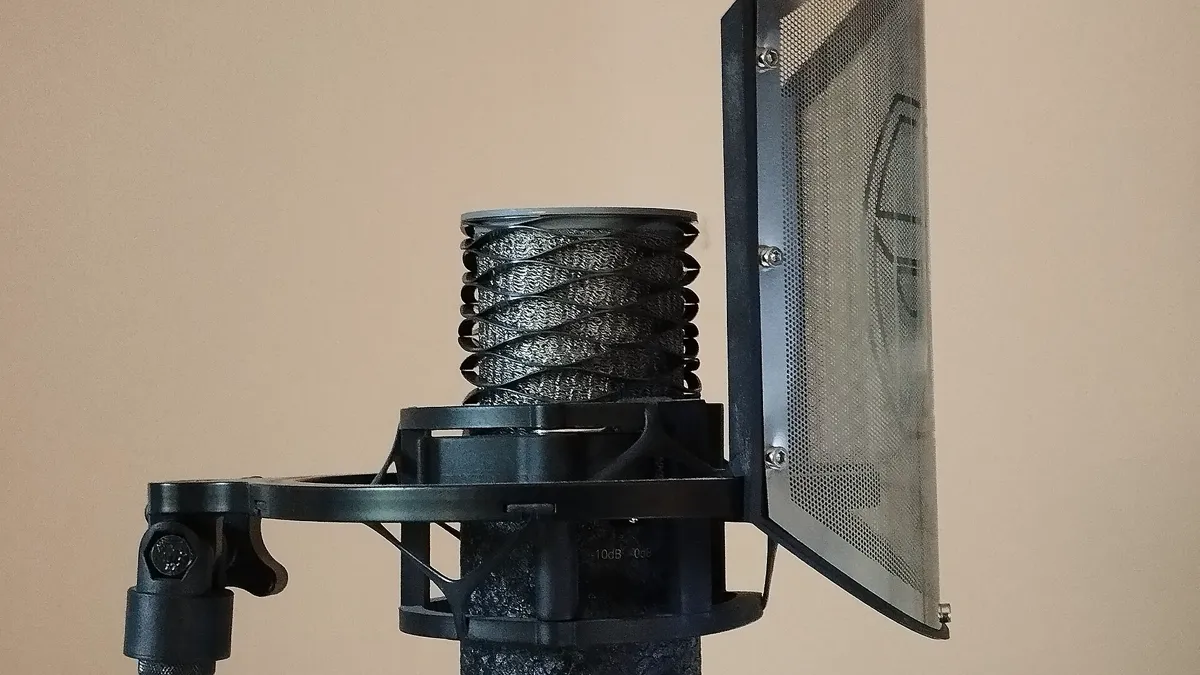

Most "free Hindi AI voice" tools are free to listen to and paid to use. The trap is in two places: whether you can download the audio, and whether you are allowed to use it in a video that earns money. We checked both on each vendor's own pages on 30 October 2026, because that is what decides whether a tool is actually free for a YouTube voiceover, a reel or a course.
The short answer: for most people making Hindi content, an Indian tool wins on every point that matters.
Which free Hindi AI voice generator should you use?
| Tool | Free use | Download on free plan | Commercial use on free plan | Paid from |
|---|---|---|---|---|
| Sarvam Bulbul | No login, 2,500 characters per go | Yes (MP3, WAV, FLAC) | Yes | API ₹1-3 per 1,000 characters |
| ElevenLabs | Signup, about 10 minutes a month | Yes | No, non-commercial only | $6 a month (USD) |
| Murf | Free trial, 10 minutes | No | Not possible without download | $19 a month on yearly billing |
| Google Cloud TTS | 1M-4M characters a month | Yes, via API | Developer service | $4-30 per 1M characters |
| Microsoft Azure Speech | 0.5M characters a month | Yes, via API | Developer service | $15 per 1M characters |
1. Sarvam Bulbul: best free Hindi AI voice generator
Sarvam's free AI voice generator is the only tool here that meets every "free" test: it is "free to use, no sign-up required", handles "up to 2,500 characters per generation", lets you "download as MP3, WAV, or FLAC", and says you can "use commercially, no restrictions". That answers the "without login" searches directly.
Sarvam is an Indian company, and Bulbul is built for Indian languages: Sarvam lists 11 for its main model, including Hindi, Bengali, Tamil, Telugu, Marathi, Gujarati, Kannada, Malayalam, Odia and Punjabi, plus English-Hindi mixed voices for Hinglish scripts. Its documentation catalogue for the newer V4 Flash model lists more than 100 Hindi voice IDs.
For longer scripts or automation, the API costs ₹3 per 1,000 characters on Bulbul V3 and ₹1 per 1,000 on V4 Flash, according to Sarvam's pricing page, billed in rupees. New accounts get free signup credits that don't expire. The limit to know: each request is capped at 2,500 characters, so split a long script into parts.
2. ElevenLabs: popular, but not free for commercial work
ElevenLabs is one of the best-known AI voice platforms, and its Eleven v3 model supports Hindi, Bengali, Marathi, Tamil and Telugu. The free plan gives 10,000 credits a month, which is roughly 10 minutes of speech.
Read the terms before you publish anything. ElevenLabs' terms of use say free users "may only use the Services for non-commercial purposes", and commercial rights start with the paid plans. If your video, reel or course earns money, treat it as commercial and budget for the Starter plan at $6 a month, which ElevenLabs lists with a "Commercial License". It is billed in US dollars, so your bank may add a foreign-currency fee; rupee and dollar prices for every tool are in our India AI tool price index.
3. Murf: many Hindi voices, but the trial won't let you download
Murf offers "40+" Hindi voices with accents it lists as "Delhi, Mumbai, Bhojpuri, and Diaspora" on its Hindi page. You can preview voices without signing up.
The catch is in Murf's help centre: the free trial gives 10 minutes of generation but "the free trial does not support downloads". So the free version is for testing voices only. Paid plans start at $19 a month on yearly billing and include commercial rights for YouTube; Murf says TV and radio rights need its Enterprise plan.
4. Google Cloud and Microsoft Azure: free tiers for developers
If you build an app or process large volumes, the cloud APIs have the most generous free allowances. Google Cloud Text-to-Speech gives 4 million characters a month free on Standard and WaveNet voices and 1 million on its newer voice types, with dozens of Hindi voices in its voice list. Google notes you "must enable billing" and will be charged above the free limit.
Microsoft Azure Speech gives 0.5 million neural characters a month free, then $15 per million, with nine Hindi neural voices. Both need a developer account and code, so they are not the right choice for a one-off voiceover.
Can you clone your own voice in Hindi?
Yes, but not on any free plan. ElevenLabs' Instant Voice Cloning needs the Starter plan or above, and Sarvam's voice cloning API is in beta. Both require consent: ElevenLabs asks you to "confirm that you have the right and consent to clone the voice", and Sarvam says "only clone a voice you have the right to use". Cloning a celebrity's or anyone else's voice without permission is exactly what these rules forbid.
How do you get a natural Hindi voiceover?
- Write in Devanagari for pure Hindi, and in a mixed English-Hindi voice for Hinglish scripts; Sarvam offers voices for both.
- Keep sentences short. Long sentences make any voice rush; full stops create natural pauses.
- Generate in chunks of under 2,500 characters on Sarvam, then join the clips in a video editor.
- Listen for names and numbers and respell them phonetically if the voice stumbles.
- Clean up the final mix if you add music or record your own intro; our AI audio enhancer guide covers free tools for that.
To turn an existing English video into Hindi, see our guide to AI video dubbing, and for more voice tools, our best free voice and audio tools list. Sarvam's chat app, which speaks 22 Indian languages, is covered in our Sarvam AI app guide. For the opposite job, turning Hindi speech into text, see our Hindi voice to text guide.
FAQ
Which is the best free Hindi AI voice generator?
Sarvam's Bulbul. Its web tool needs no login, generates up to 2,500 characters at a time, lets you download MP3, WAV or FLAC files, and allows commercial use, according to Sarvam's own page.
Is there a Hindi AI voice generator without login?
Yes. Sarvam's free AI voice generator works without signing up and lets you download the audio. Murf lets you preview Hindi voices without signup, but its free trial does not allow downloads.
Can I use ElevenLabs free voices on YouTube?
Not for a channel that earns money. ElevenLabs' terms say free users may only use the service for non-commercial purposes; commercial use needs a paid plan from $6 a month.
Does Murf have a free Hindi voice?
You can listen to Murf's 40+ Hindi voices and use a 10-minute free trial, but Murf says the free trial does not support downloads. Downloading needs a paid plan.
Which AI voice is best for Hinglish?
Sarvam offers English-Hindi mixed voices built for code-mixed scripts, and its tools are designed for Indian languages. Write the script the way you would speak it, then test a short sample first.
Cover image: Bizzarle, CC BY-SA 4.0, via Wikimedia Commons.
Related tools
We may earn a commission if you buy through our links. This doesn't affect our rankings. Learn more about our affiliate disclosure.

ElevenLabs
High-quality AI text-to-speech and voice cloning platform.

Murf
AI voiceover generator for videos, presentations, and e-learning.

Speechify
Text-to-speech app that reads articles, documents, and books aloud.
See more of BestAI.in in Google's Top Stories: add us as a preferred source.