Should You Add the AI Label on Instagram? When It's Required
Add Instagram's AI label when a reel has photorealistic AI-made video or a realistic AI voice: Meta's rules require it and, since 20 Feb 2026, so does Indian law. AI-edited posts may get an "AI info" tag automatically from file data; since 12 Sep 2024 it sits in the post menu.

The search box fills in the rest for you: "instagram ai label remove", "avoid", "bypass". Most of those pages sell a trick that does not exist, because the label is not a setting on your post. It is a conclusion Instagram draws from the file you upload, and sometimes from a box you ticked. Understand what triggers it and three things follow: you can stop ordinary edits from being flagged, you'll know when a label is in the menu rather than on the post, and you'll know the two cases where trying to avoid it breaks Meta's rules and, in India, the law.
Everything below is from Meta's own help and policy pages and the Instagram Platform documentation, read on 10 November 2026, plus the Indian rules our India AI regulation guide tracks.
What puts the Instagram AI label on a post
Meta's help page on identifying AI content gives two triggers:
- Signals in the file. "Some content that is made or modified using one of these tools may have an industry-standard signal that identifies the content as being created or modified using AI tools." The page's own example is mundane: "If a photo editing tool uses AI to change the size or colour of an image, then the image may have a signal that shows that it was edited using AI. These signals are read by Meta's systems to determine if a label is applied to the content."
- Your own disclosure. "People using Meta products may also be able, and in some cases required, to label their content with AI info." Apps that publish through the API can set the same flag: Meta's content publishing docs say "you can set
is_ai_generatedparameter totrue" when creating the post.
And a limit Meta states itself: "Not all AI content contains the information needed to identify it."
Generated versus edited: where the label sits
This is the part the "remove the label" pages miss. Since September 2024 Meta treats the two differently. From the same help page: "Content with signals that we can identify indicating that it was created with AI will be labelled AI info. Content with signals indicating that it was modified using AI will not have the AI info label directly on the post, story, reel or thread." The edit-only note lives in the post's options menu.
The history explains why. Meta's April 2024 policy post, updated through 2024, records that the first label was "Made with AI", that by 1 July 2024 Meta found "some content that included minor modifications using AI, such as retouching tools, included industry standard indicators that were then labeled 'Made with AI'", so it renamed the label to "AI info", and that on 12 September 2024, "For content that we detect was only modified or edited by AI tools, we are moving the 'AI info' label to the post's menu."
So if you retouched a real photo and see "AI info" in the menu, nothing is wrong and there is nothing to remove: that is the designed outcome for edits.
How to avoid a false label on content that isn't AI
The signal comes from the tools, so the honest fix is upstream, not after upload:
- Use non-AI edits for real photos and videos. Cropping, exposure, colour and cuts in most editors don't write an AI signal; generative features (expanding a background, generating fill, AI upscaling) can. Meta's example of a size or colour change getting a signal shows the line is drawn by the tool, so check what your editor marks as AI.
- Keep the original. If a real photo picks up a signal from a filter, re-export from the unedited file with plain adjustments.
- Don't expect a removal button. Meta's pages describe no way for a user to take off a label its systems applied; the help centre's support topics include "Missing AI labels" and "Automatic AI detection", which is where to raise a wrong one.
- Don't strip metadata to dodge it. For real content it is unnecessary; for AI content it is the case covered next.
When the label is required, and the cost of hiding it
Meta's help page is explicit: "Meta may require an AI label when content has photorealistic video or realistic-sounding audio that was digitally created, modified or altered, including with AI. This requirement does not apply to images." Its examples of content that requires a label include "A reel narrated with a realistic AI-generated voiceover" and "A song created using AI-generated vocals"; a cartoon-style video does not. And: "There may be penalties for content shared without a label when it is required."
For Indian accounts a second rule applies. The IT Rules amendment notified on 10 February 2026 and in force from 20 February defines "synthetically generated information" as computer-made or altered audio, visual or audio-visual content that "appears to be real, authentic or true", requires it to be labelled prominently (audio through "a prominently prefixed audio disclosure"), requires provenance metadata where feasible, and bars removing the label or metadata. Platforms with 50 lakh or more Indian users must ask you to declare whether content is synthetic, check the declaration, and label it. The details, and the still-pending draft that would keep the label on screen for a video's full length, are in our India AI regulation guide.
Put together: an AI-voiced reel of a real-looking person, or a cloned-voice clip, needs the label on Instagram's rules and India's. Stripping the metadata so the system can't see it is the one case where "avoid the label" means a policy penalty and a rule violation, not a tidier feed.
Two other labels you'll see
- Meta AI content. "Any content that is created or edited using Meta's AI tools and shared to Facebook, Instagram or Threads … may be automatically labelled as AI info or in some cases, feature a visible watermark."
- The "AI creator" profile label. Accounts that mostly post AI content can add it, and "The label can also appear next to the account's content in Feed, Reels and Stories on Instagram." It is optional and about context, not a penalty.
Instagram's own label-adding steps are in the app, not on the web: its help entry says "This feature isn't available on computers."
If you make reels with AI voices, our AI voice for reels section covers which tools' outputs count as "realistic-sounding audio", and the ElevenLabs and Murf reviews cover the voices themselves.
FAQ
Why does my Instagram post say "AI info" when I didn't use AI?
Because the file carried an industry-standard signal, usually from an editing feature that uses AI, such as a resize, colour or retouching tool. For edits, the note appears only in the post's menu, not on the post.
Can I remove the AI label on Instagram?
Meta's pages describe no way for users to remove a label its systems applied. For real content, re-export without AI-powered edits; for AI-generated video or audio, the label is required and removing its signals can bring penalties.
Is the AI label required for reels with AI voiceovers?
Yes. Meta lists "A reel narrated with a realistic AI-generated voiceover" among content that requires a label, and India's IT Rules have required labels on realistic synthetic audio since 20 February 2026.
How does the Instagram AI label work?
Instagram reads signals that AI and editing tools write into a file when it is uploaded, and also records your own disclosure. Content it detects as AI-generated gets the "AI info" label on the post; content it detects as AI-edited gets a note in the post menu. Meta says not all AI content carries the signals needed to detect it.
Can I dispute an AI label on Instagram?
Meta's pages describe no formal dispute form. The help centre groups the issue under "Missing AI labels" and "Automatic AI detection" support topics; for real content, the practical fix is to re-export without AI-powered edits and repost. Retouching apps (Facetune is the one people search for) can add the signal, per Meta's own example of "retouching tools".
Does the AI label hurt reach?
Meta's pages make no statement about reach, and we have no data on it. What they do state is penalties for required labels that are missing.
Do AI-generated images need a label on Instagram?
Meta's requirement "does not apply to images", but images "may still receive a label if the systems detect that they were AI-generated or if they were modified using AI." Indian rules cover visual content too.
Sources, read on 10 Nov 2026: How to identify AI content on Meta products, Meta's approach to labeling AI-generated content (updates of 1 Jul and 12 Sep 2024), Instagram Platform content publishing, Instagram help: Label AI content; the IT Rules amendment (G.S.R. 120(E), 10 Feb 2026) via our regulation guide.
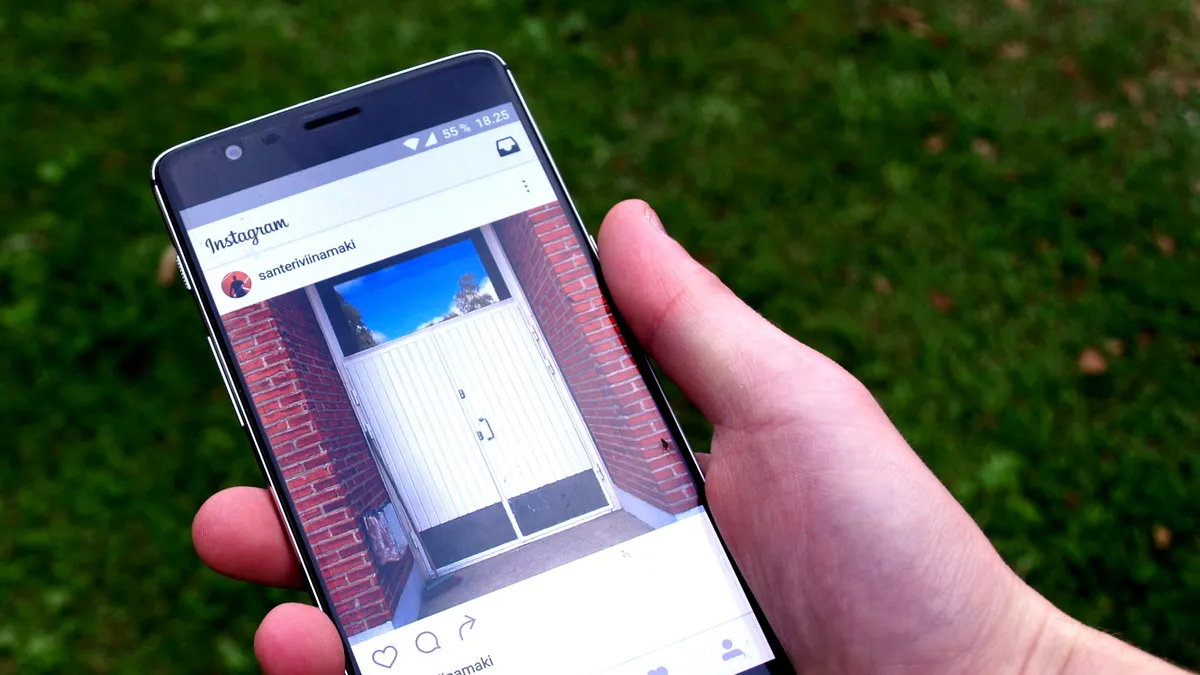
Cover image: The Instagram app open on a smartphone lying on grass. Santeri Viinamäki, CC BY-SA 4.0, via Wikimedia Commons.
Related tools
We may earn a commission if you buy through our links. This doesn't affect our rankings. Learn more about our affiliate disclosure.

ElevenLabs
High-quality AI text-to-speech and voice cloning platform.

Murf
AI voiceover generator for videos, presentations, and e-learning.

CapCut
Free, mobile-first video editor with AI-powered effects and captions.
See more of BestAI.in in Google's Top Stories: add us as a preferred source.