Kisan e-Mitra Chatbot: How to Use PM-KISAN's AI Helper
The Kisan e-Mitra chatbot is the government's free AI helper for PM-KISAN, the Kisan Credit Card and crop insurance. It answers by voice or text in 11 languages inside the PM-KISAN app and website, and had answered over 93 lakh questions by December 2025. We found no official WhatsApp number for it.
A PM-KISAN instalment that does not arrive usually means a trip to a Common Service Centre or a long wait on a helpline. The Kisan e-Mitra chatbot exists to answer that question, and many others, on the phone in your own language. Here is what it can do, how to use it step by step, and how to avoid the fake "PM-KISAN WhatsApp numbers" that circulate online.
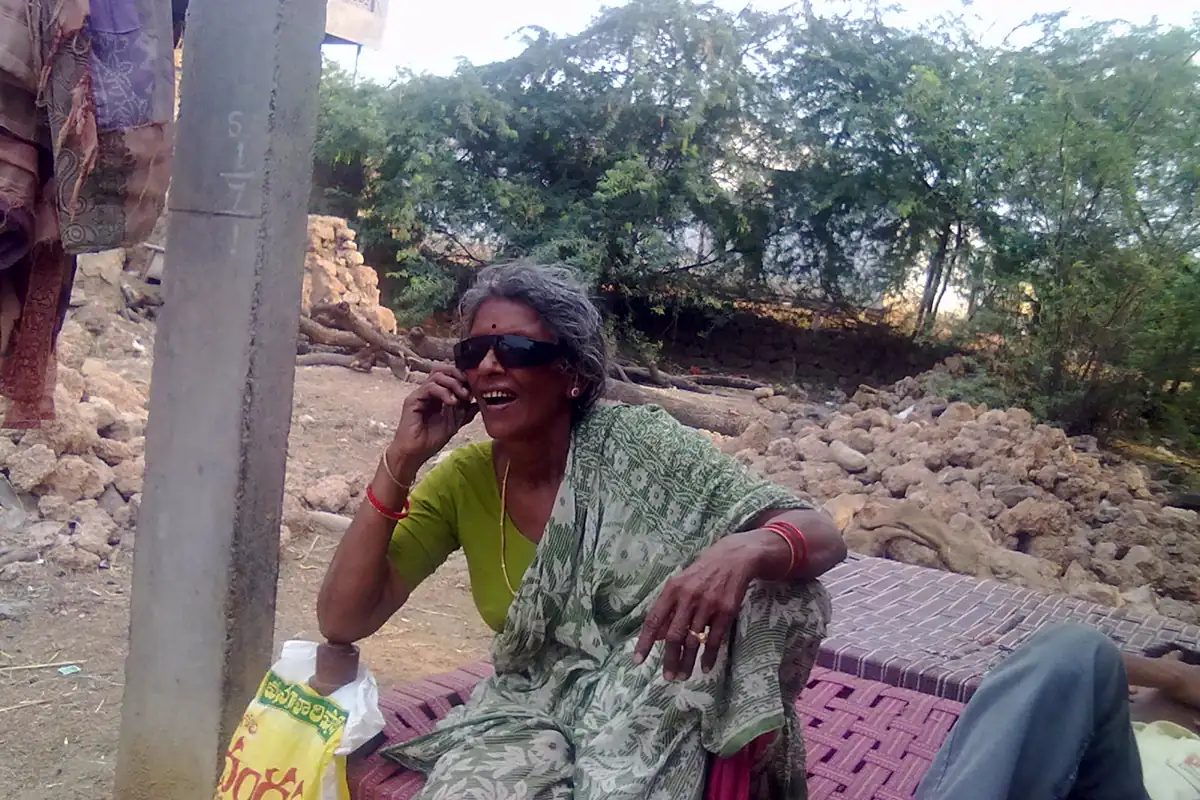
A woman talking on a mobile phone in rural Andhra Pradesh. Photo: Venkat2336, CC BY-SA 3.0, via Wikimedia Commons, cropped.
What the Kisan e-Mitra chatbot is
Kisan e-Mitra was launched on 21 September 2023 as the first AI chatbot built into a major central government scheme, PM-KISAN. You type or speak a question, and it answers in plain language. It runs on the government's Bhashini language platform, which is how it understands Indian languages.
It has grown since launch. According to PIB's February 2026 note on AI in agriculture, Kisan e-Mitra now covers three schemes, PM-KISAN, the Kisan Credit Card and the crop insurance scheme PMFBY, handles more than 8,000 questions a day, and had answered over 93 lakh questions by December 2025.
Which languages it understands
Recent official material lists 11: Hindi, English, Bengali, Telugu, Marathi, Tamil, Odia, Malayalam, Gujarati, Punjabi and Kannada. It launched with five, so if your language was missing a year ago, try again.
What you can ask it
- Your PM-KISAN status. A PM-KISAN official note says farmers can check their status through Kisan e-Mitra as well as the Know Your Status page on the portal.
- Why a payment did not arrive, and what to fix, such as eKYC, bank details or land records.
- Registration and eligibility for PM-KISAN.
- Kisan Credit Card and crop insurance basics.
It explains and points you to the next step. It cannot change your records for you; corrections still go through the portal, your bank or a Common Service Centre.
How to use Kisan e-Mitra, step by step
- Open PM-KISAN. Use the official website, pmkisan.gov.in, or the PM KISAN app from the Google Play Store.
- Find Kisan e-Mitra. Look for the Kisan e-Mitra or AI chatbot option on the page or in the app.
- Choose your language from the list.
- Ask by voice or text. Short questions work best, for example "Why did my last instalment not come?"
- Keep your details ready. For questions about your own account it may ask for identifying details such as your registration number. Never share an OTP with anyone who calls you.
The PM-KISAN channel's own demonstration is on YouTube.
Women planting paddy seedlings in Assam. Photo: ঈশান জ্যোতি বৰা, CC BY-SA 4.0, via Wikimedia Commons, cropped.
Is there a Kisan e-Mitra WhatsApp number?
We found no official WhatsApp number for Kisan e-Mitra in government sources. PIB does list a separate WhatsApp chatbot for crop insurance, PMFBY, but not one for Kisan e-Mitra. Treat any "PM-KISAN WhatsApp number" shared in a group or video with caution: fake numbers and links are a common way to steal bank details and OTPs. Use the chatbot only inside the official app or website.
If you do not have a smartphone, call 155261. That is the number the government gives for Bharat-VISTAAR, its newer AI phone service, which also answers PM-KISAN questions in Hindi and English. Our Bharat-VISTAAR guide explains it.
Tips for better answers
- Ask one question at a time. "When is the next instalment and why did the last one fail?" works better as two questions.
- Speak slowly and close to the phone if you use voice; background noise in a field confuses speech recognition.
- Use the words on your payment message, such as "eKYC pending" or "Aadhaar seeding", when you ask what something means.
Other AI help for farmers
Kisan e-Mitra is about schemes, not crops. For farming questions, the free FarmerChat assistant answers in Hindi, Telugu, Kannada and Marathi, and for a sick crop, apps such as Plantix diagnose from a photo. Our overview of AI in agriculture in India lists nine tools.
FAQ
What is the Kisan e-Mitra chatbot?
A free AI chatbot from the Ministry of Agriculture that answers questions about PM-KISAN, the Kisan Credit Card and crop insurance by voice or text in 11 Indian languages. It is built into the PM-KISAN website and app.
What is the Kisan e-Mitra chatbot WhatsApp number?
We found no official WhatsApp number for Kisan e-Mitra. Use it only through the PM-KISAN website or app, and be careful with numbers shared in groups, which are often scams.
Can I check my PM-KISAN status on Kisan e-Mitra?
Yes. PM-KISAN's own guidance says farmers can check their status through Kisan e-Mitra as well as the Know Your Status page on the portal.
Is Kisan e-Mitra free?
Yes. It is a free government service. Never pay anyone to use it or to "check your instalment".
What is the PM-KISAN helpline number?
The government lists 155261 for Bharat-VISTAAR, its AI phone service, which covers PM-KISAN among ten central schemes. You can call it from a basic phone.
Related tools
FarmerChat
Free generative-AI farming assistant built for Indian smallholders.

Plantix
Free crop disease diagnosis from a photo, for smallholder farmers.